View Server Log Files
Use View Server Log Files to show the last lines of your instance's application log files.
Run the script
To run the script, follow these steps:
Once you select Run, the Result of the script appears and looks like this: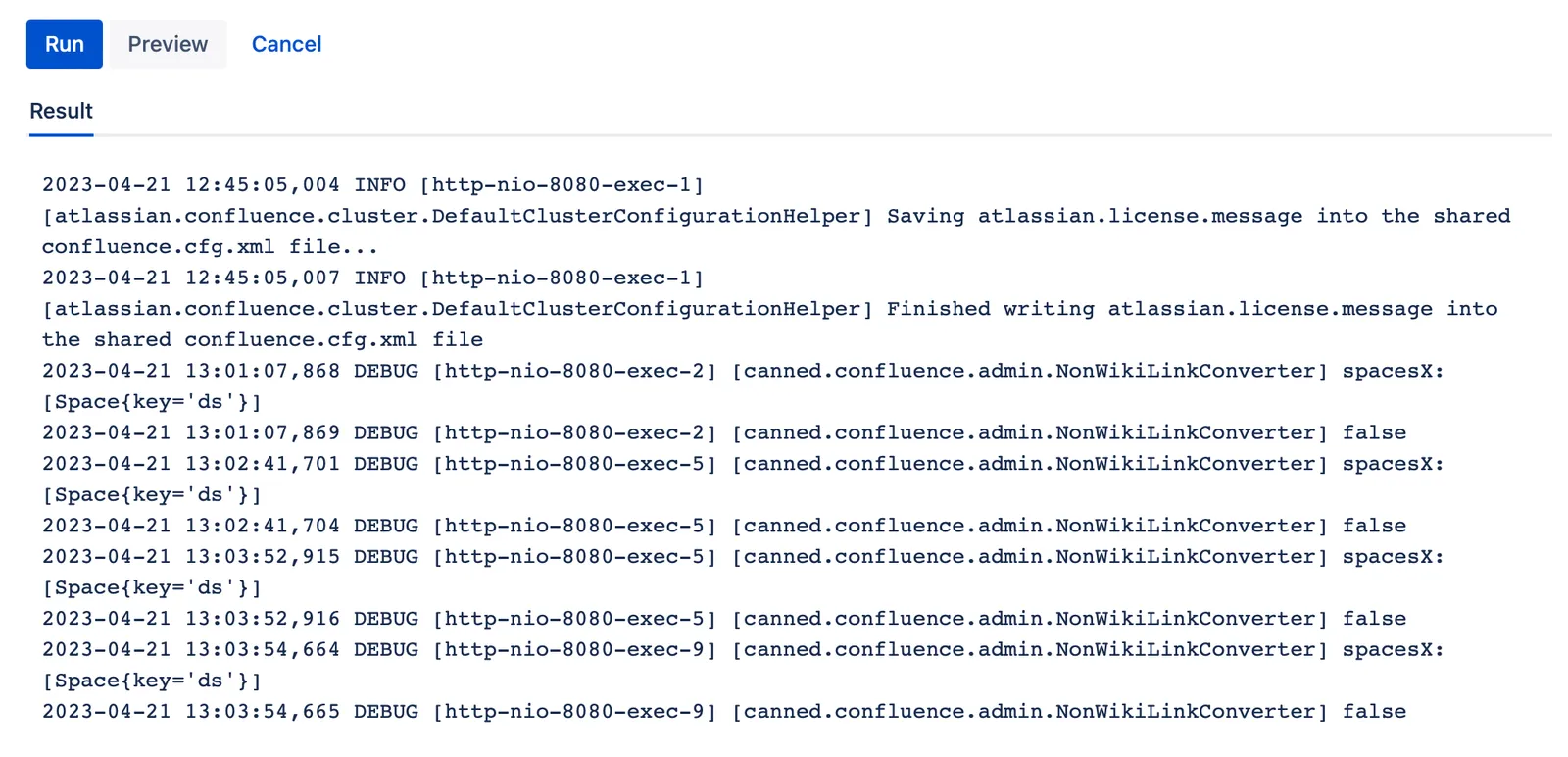
 Documentation
Use View Server Log Files to show the last lines of your instance's application log files.
To run the script, follow these steps:
Once you select Run, the Result of the script appears and looks like this: