
Work with Spaces
Learn about using HAPI to complete tasks on the space level.
With HAPI, we've made it easy for you to work wtih spaces!
Create a new space with a title and key
def space = Spaces.create("Analytics and Data", "AD") {}This script creates an Analytics and Data space with a space key of AD: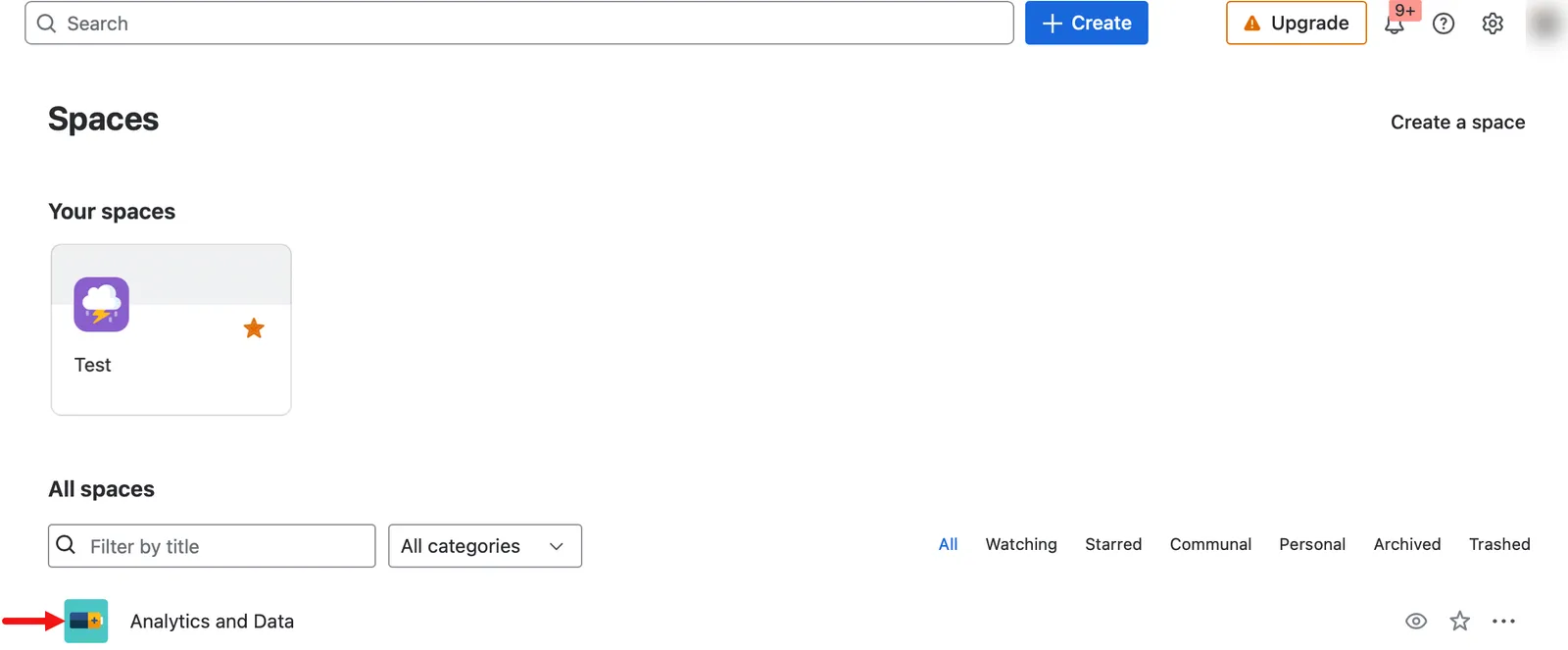
Delete a space
def space = Spaces.getById(172720132)
space.delete()
This message appears after the script runs:
You can customize the script by changing the space key.
Delete all pages in a space
You can delete all pages in a space with the following statuses:
- Current
- Archived
- Historical
- Draft
Spaces.getByKey("DT").deleteAllPages()When you run the script, the pages are deleted from the space if they had one of the above statuses: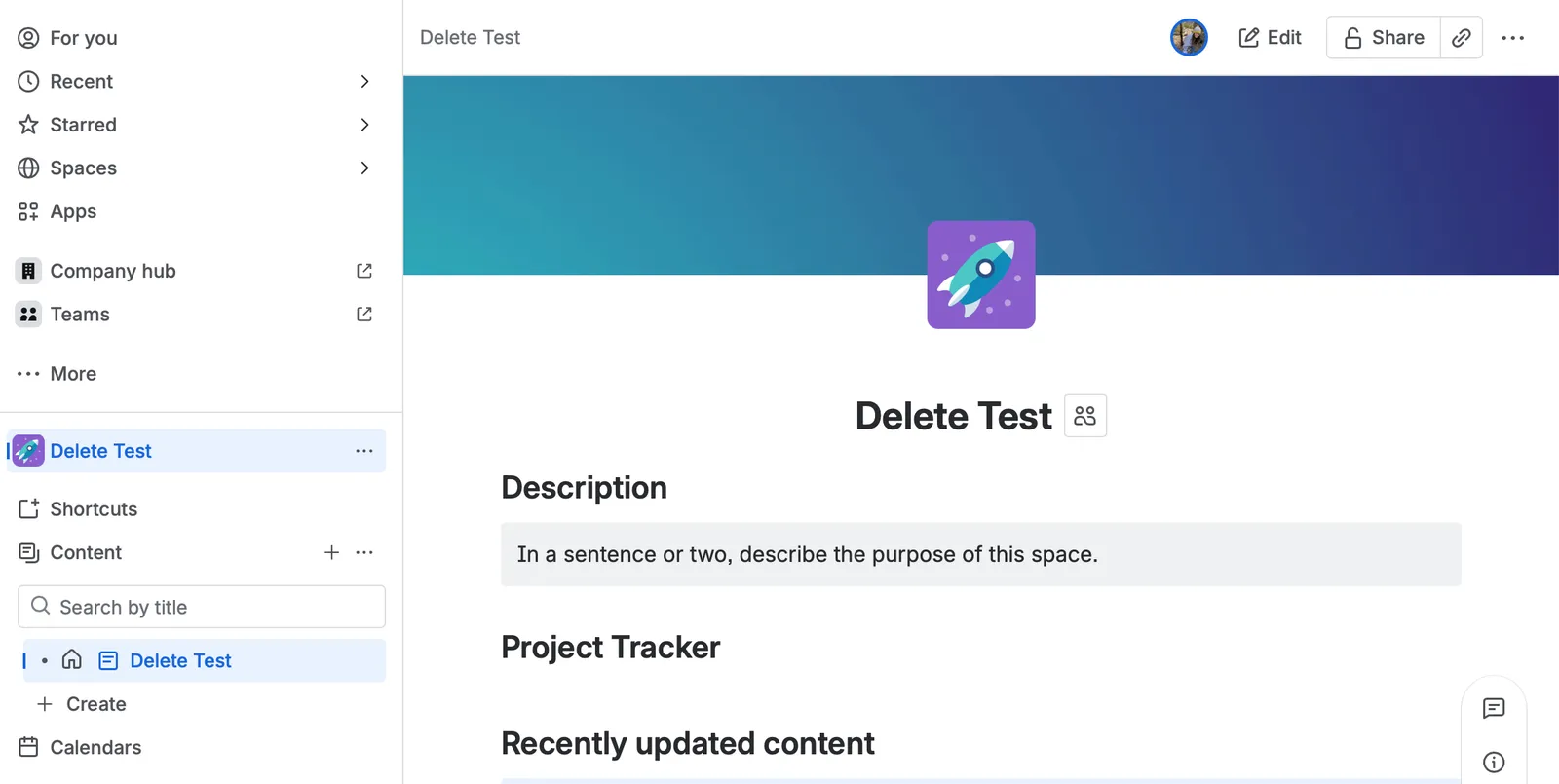
To customize this script, change the space key.
Get all pages in a space
def allPages = Spaces.getByKey("AD").getAllPages()
def allPageTitles = []
allPages.each(page ->
    allPageTitles.add(page.title)
)
allPageTitlesGet all pages and their body format in a space
Using HAPI, you can do the following three things with one script:
- Get all pages in a space
- Set the body format of each page
- Fetch the body of each page
def pages = Spaces.getByKey("TEST").getAllPages(){
        setBodyFormat("storage")
}
pages.each { page ->
    logger.info("Extracting body contents for page '${page.title}'")
    def storage = page.body.storage.value
    logger.info(storage) //extracted contents of page here
}You can also view the Logs to see the page content:
You can customize this script by changing the space key.
Get space permissions
def space = Spaces.getById(158072836)
space.getPermissions()Retrieve a space with its space key
def space = Spaces.getByKey("AD")AD: You can customize the script by changing the space key.
Retrieve a space with its ID
def space = Spaces.getById(158072836)158072836:Search for spaces with CQL
def spaces = Spaces.search("valid CQL here")Update the status of a space
def space = Spaces.getByKey("TST2")
space.update {
    status = "archived"
}
After you run the script, the updated status appears in the Results:
And the space is in the Archived section (Spaces > Archived):
You can customize the script by changing the space key and the status. The two accepted statuses are archived and current.
Update the name of the space
def space = Spaces.getByKey("DOCS")
space.update {
    name = "Technical Documentation"
}
This script will update the name of the space from Product Documentation to Technical Documentation.
After you run the script, the new name appears in the Results:
You can also see the new name in the space:
You can customize the script by changing the space key and the new name.