
Script Jobs
Perform automated tasks at predetermined times using Script Jobs.
Jobs are a way to perform some automated tasks on regular intervals. Jobs are useful for tidying instances up and preventing content from getting lost. When you have jobs set up to shorten or automate tasks, you have more time for other non-maintenance work.
Jobs are queued and executed in no predefined order, which means that the execution time of the task cannot be guaranteed to be the same every hour. For example, if you configure a job to be run every hour, it might run at 1:02, then 2:24; then 3:00 depending on how busy the systems are.
Jobs can do administrative tasks like adding a label from scratch. CQL Jobs are different because they use CQL queries, so they can change every piece of content that is returned from a CQL query.
Similarities between jobs and CQL jobs:
- Both use a scheduler and code to perform actions at a specific time.
- Both have a minimum interval of an hour between code executions.
- Both schedulers are triggered every hour and gather all the tasks to be executed within that hour.
- Both tasks are queued and executed in no predefined order
Use cases
You can use jobs to flag old content with a needs review label, purge the trash once a month, or archive spaces with no active contributors.
For example you could use Script Jobs to archive pages after a certain amount of time has passed and no edits have occurred, keeping your content fresh.
Use jobs
- Navigate to ScriptRunner and select Script Jobs.
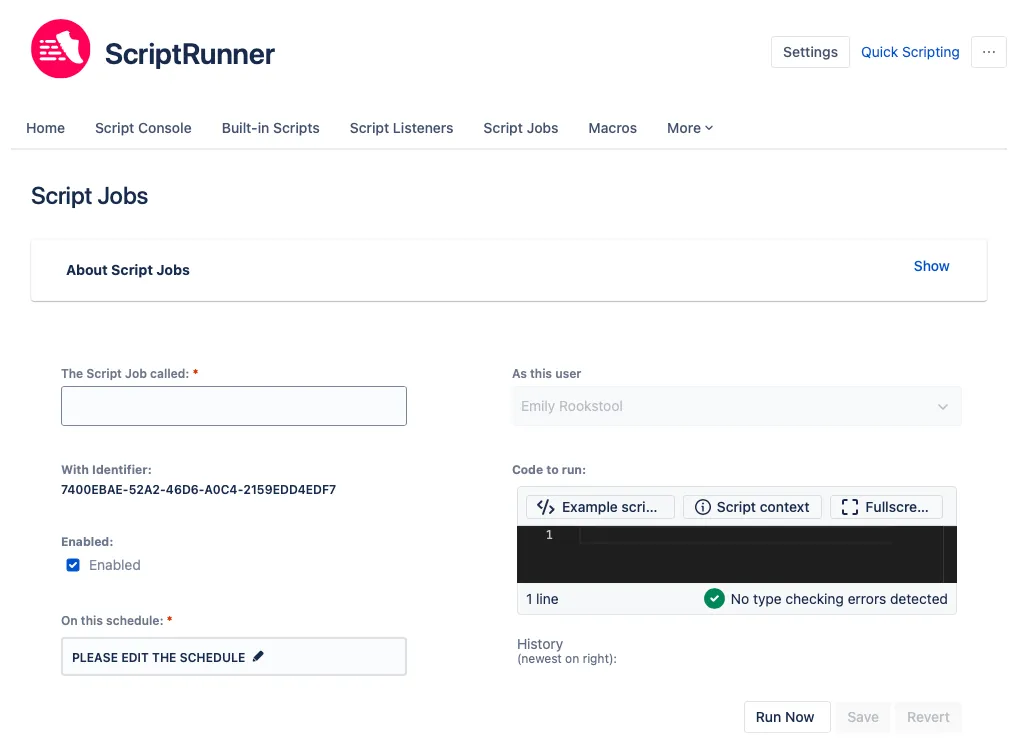
Example scripts
ScriptRunner has a number of Example Scripts for you to use. To access them, select this button in the Script field:
Preview of included Script Job examples:
- Delete Old Comments
- Use Delete Old Comments to delete comments that are older than a certain amount of time. This script is useful because it makes comments easier to view and content more manageable.
- Add a Comment to Old Pages
- Use Add a Comment to Old Pages to add a comment to old pages to say that they should be reviewed. This script is useful because it allows for users to easily see if content is fresh. It can also act as a notice for when a piece of content is in its lifecycle.
- Delete Old Page Versions
- Use Delete Old Page Versions to delete versions that are older than a certain amount of time. This script is useful because it makes content more manageable.