
Matching status to column
- Navigate to Board Configuration screen > Tab Columns.
- Drag and drop all Statuses containing issues from the 'Unmapped Statuses' column to the corresponding Status Column.
- The first two columns on the left are used for the Backlog view.
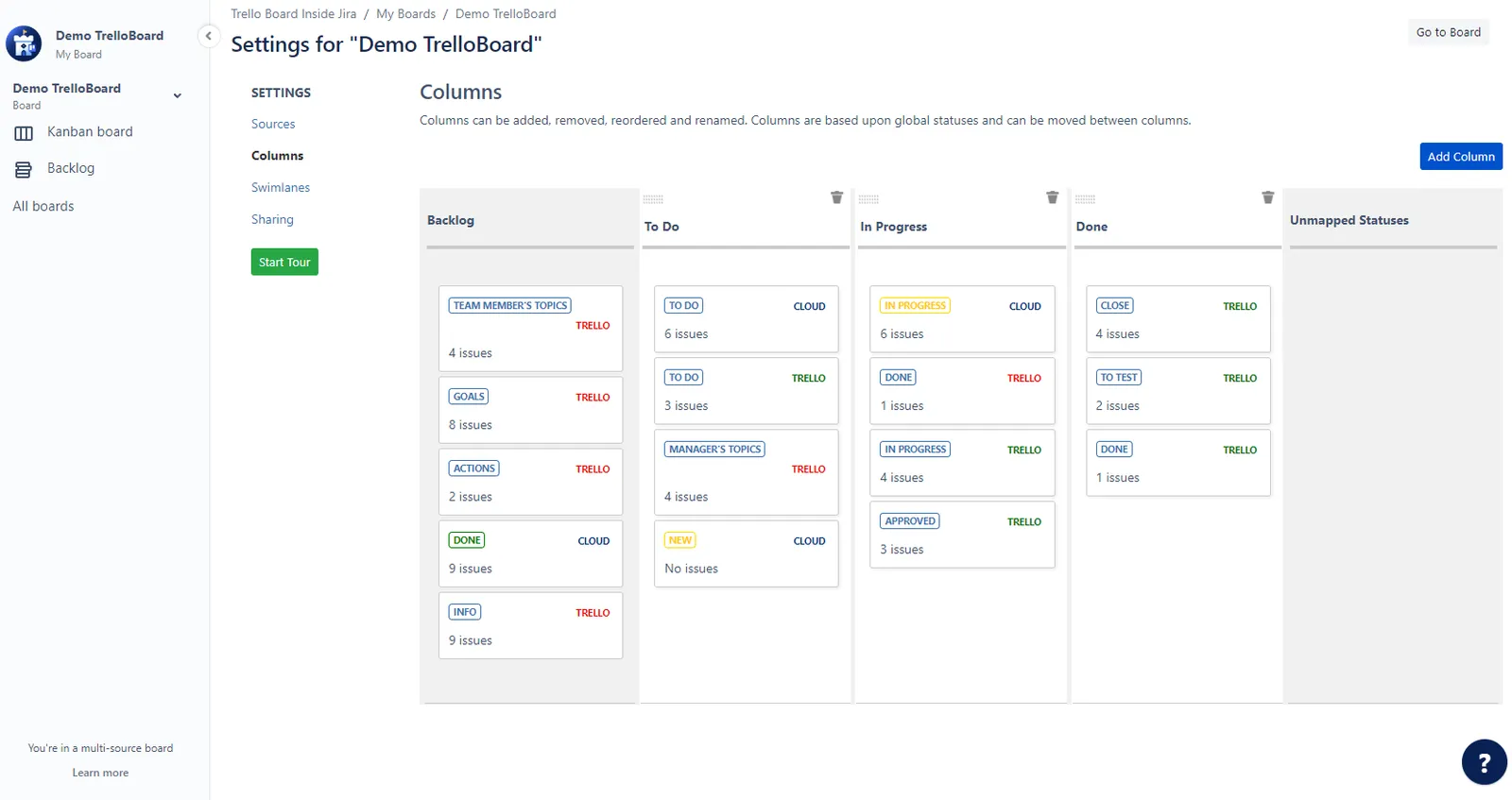
Add a Column
- Click on the "Add Column" button to create a new column.
- Provide a name for the new column.
- Save the modifications.
- Use drag-and-drop functionality or numeric priority/order values to rearrange the column order.