
How to generate Trello API key/token
- Authorize on https://trello.com/
- Navigate to https://trello.com/app-key
- Copy the API Key and paste it into the 'API Key' field
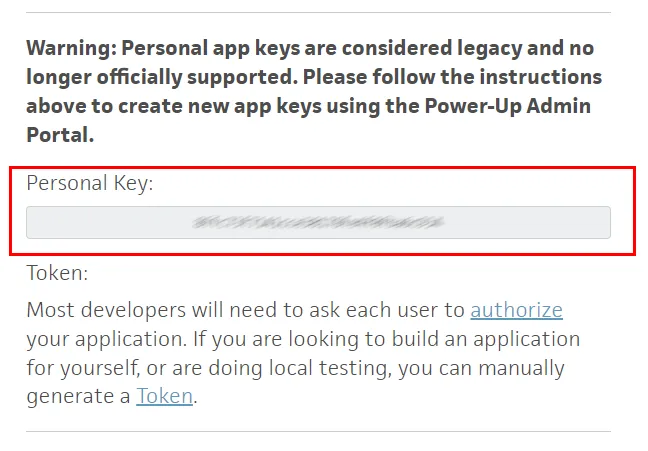
- Click on the Token link to generate an API Token
- Push the "Allow" button
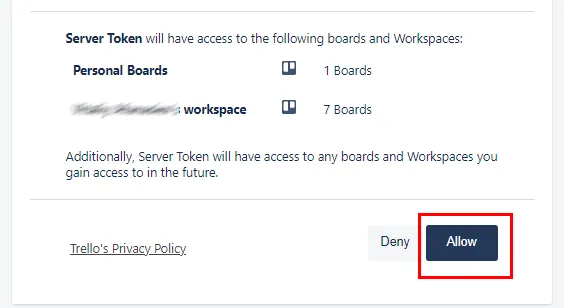
- Copy the Token and paste it into the 'API Token' field
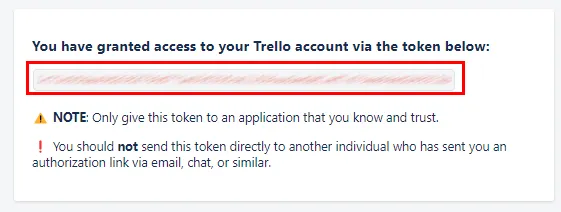
Generate Trello API key/token
- Authorize on https://trello.com/
- Visit https://trello.com/power-ups/admin/
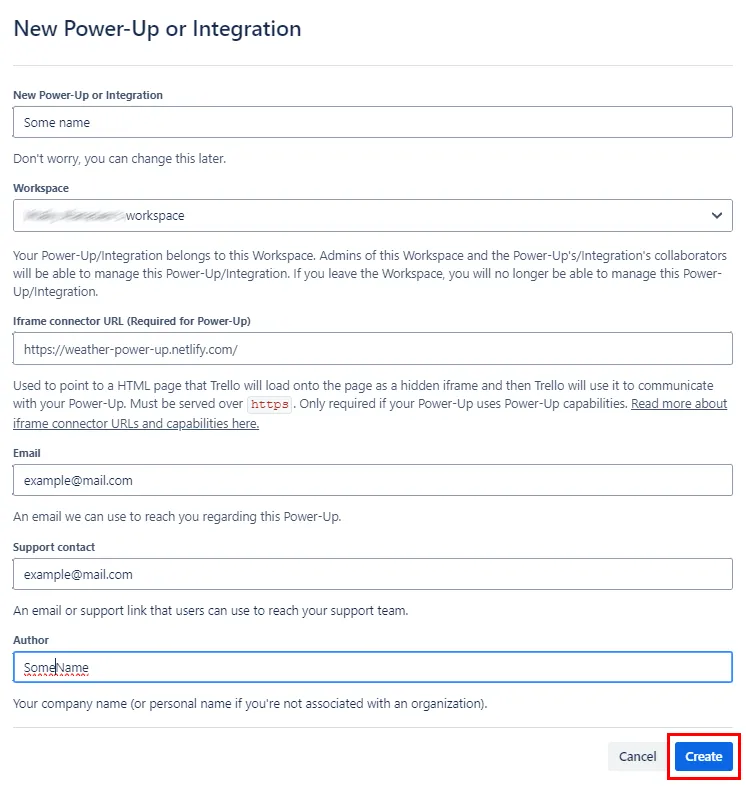
- Click on 'New'
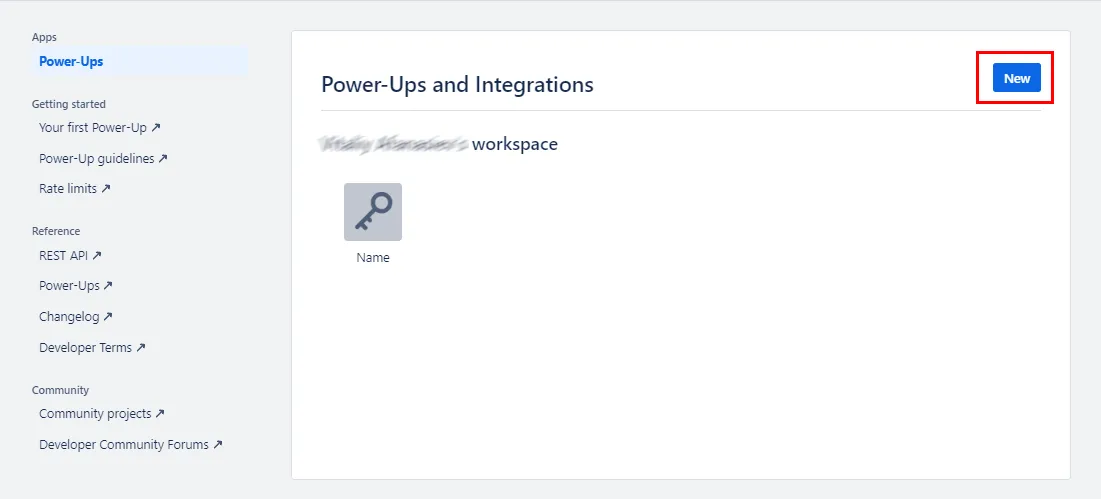
- Fill in the required fields: Integration Name, Email, Support, and Name
- Select the appropriate Trello instance
- Click on 'Create'
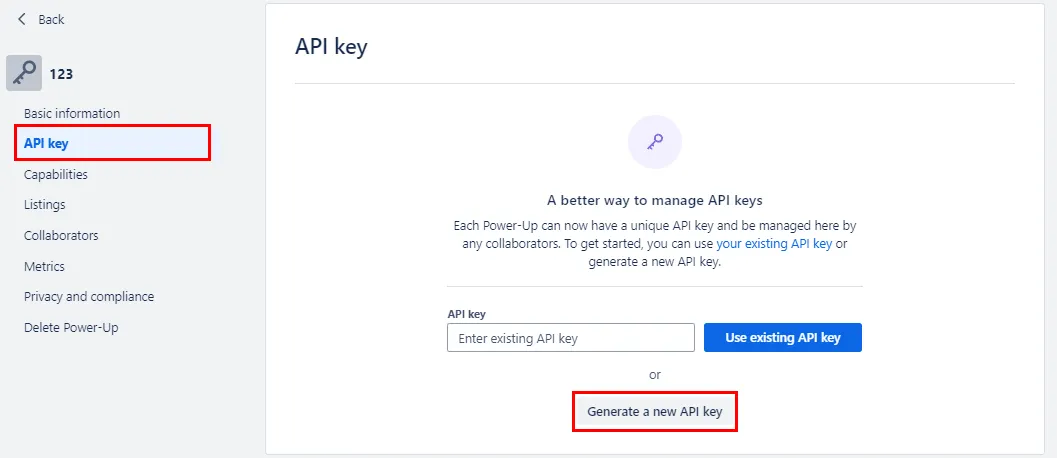
- Navigate to 'API Key' and click on 'Generate'
- Copy the API Key and paste it into the 'API Key' field
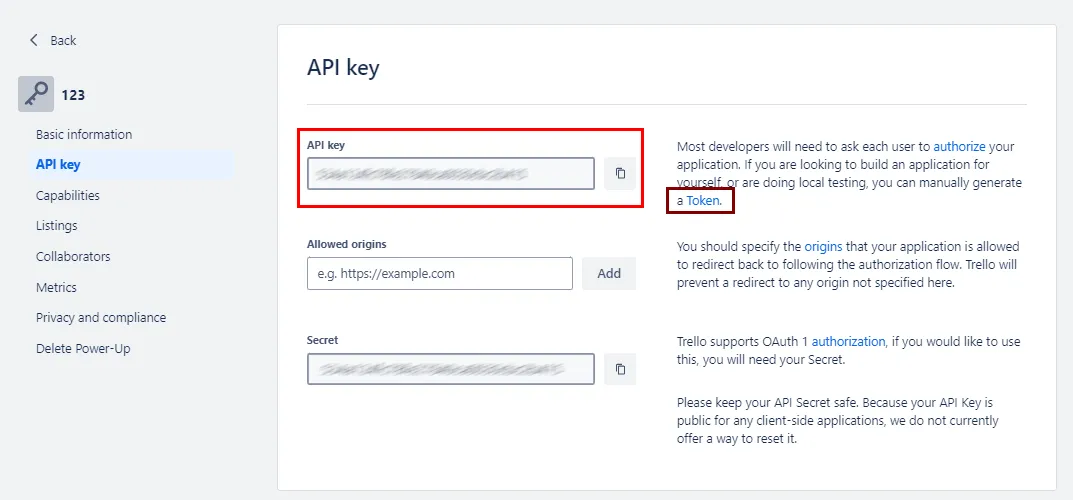
- Next to the API Key description, there's a link to the token
- Click on the Token link to generate an API Token
- Push the "Allow" button
- Copy the API Token to the API token field
- Copy the Token and paste it into the 'API Token' field