
Configuring Swimlanes
Navigate to the Board Settings Screen and select the Swimlane tab.
Choose between options to base swimlanes on: 'None,' 'Jira Instances,' and 'JQL queries'.
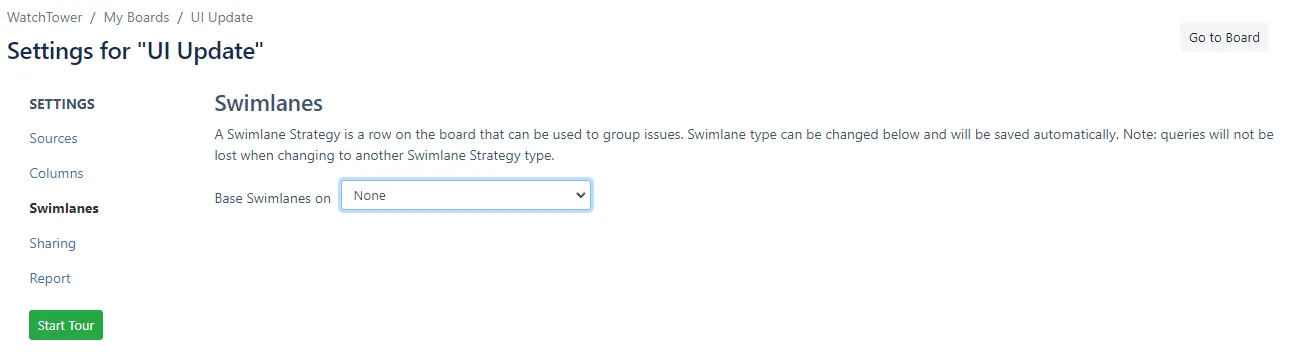
- None
- Choosing this option means that all issues will be displayed under a single swimlane. No specific swimlanes will be created, and all issues will be visualized together without any predefined grouping.
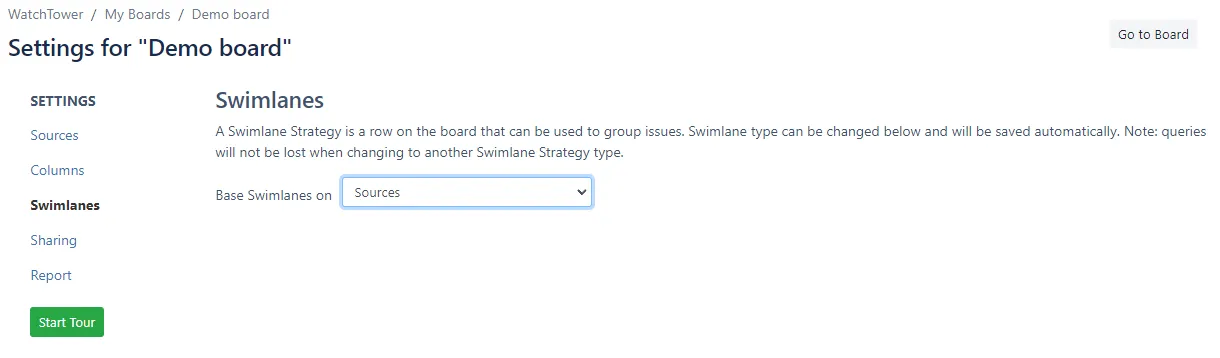
- Jira Instances
- This way, each swimlane will correspond to Jira Source.
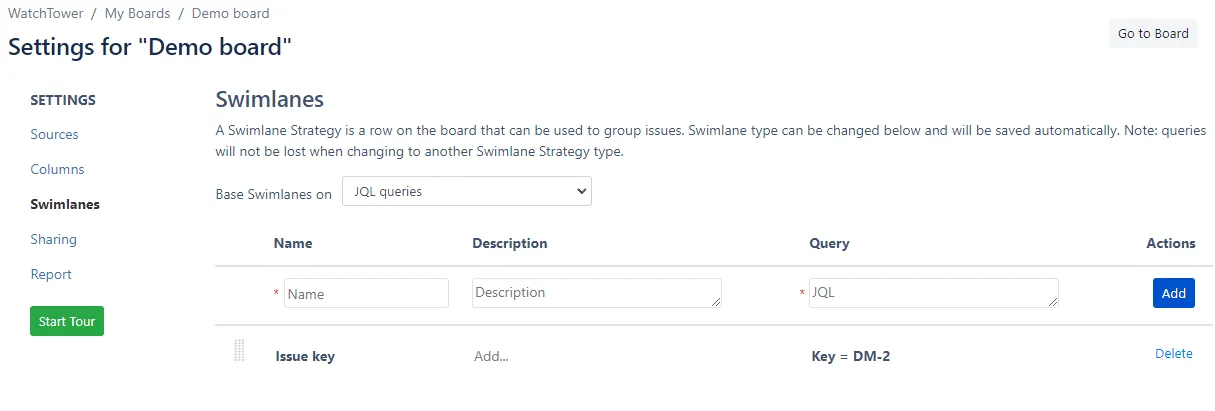
- JQL queries
- You can add customised swimlanes based on a cross-Jira instance JQL query. The Name of the swimlane is used as a title of the swimlane on a board. Query is a cross instance JQL query, similar to Quick Filter.
Whenever you want to check or review your settings or the current state of your board in Boards of Trello, you can click on the "Go to Board" button. Or use Breadcrumb navigation.