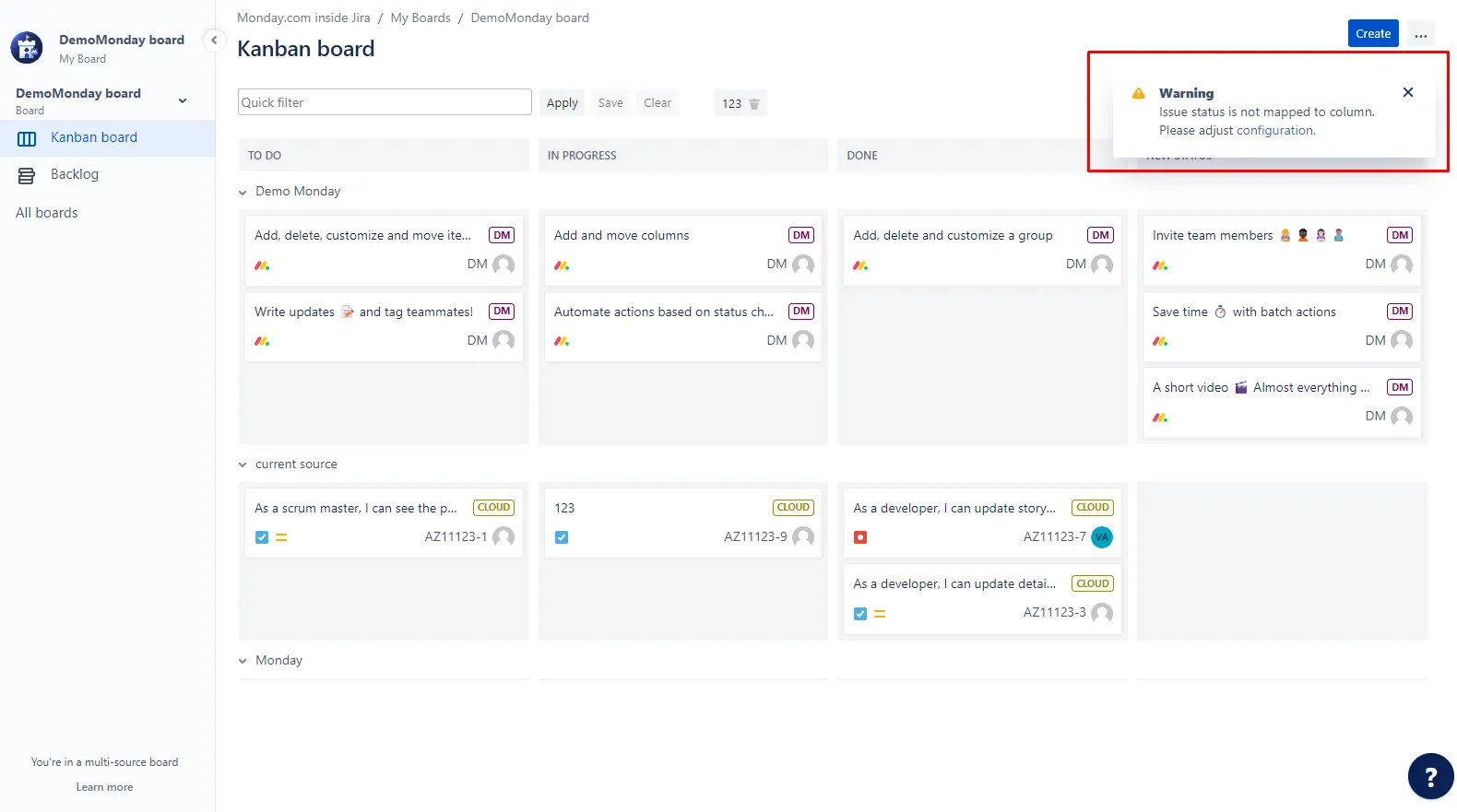
Matching Status to Column
- Navigate to Board Configuration screen > Tab Columns.
- Drag and drop all Statuses containing issues from the 'Unmapped Statuses' column to the corresponding Status Column.
- The first two columns on the left are used for the Backlog view.
If a new status appears in the added source, it appears in the "Unmapped" section within the Status settings. You can map the new status to display it on the board.
Also, you will get a notification if the new statuses appear in the added source.